
Using PayID on Mobile at a Casino
 Available in US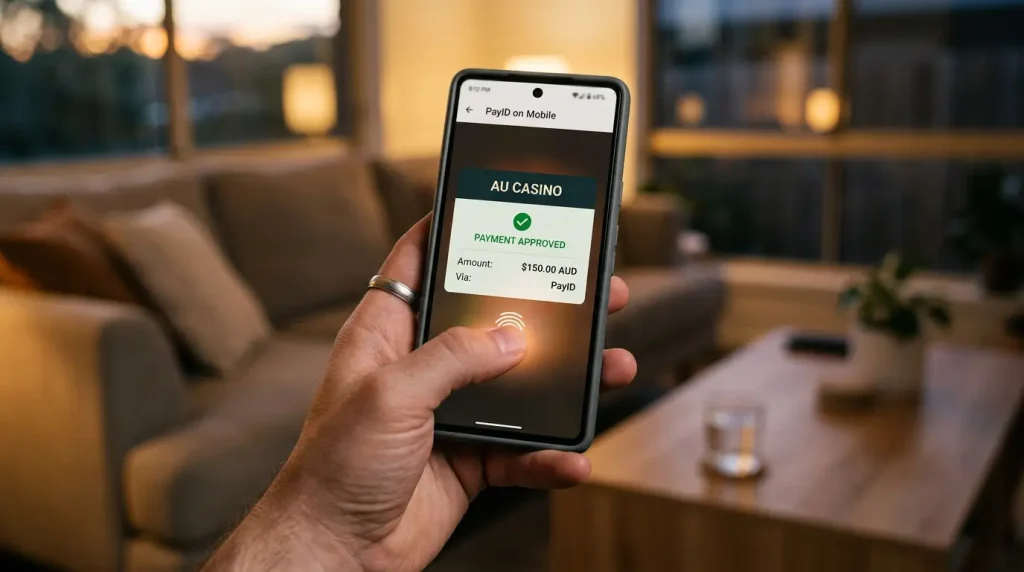
Using PayID on mobile
PayID was born on the phone. It lives inside banking apps, it is authorised with a fingerprint or a face scan, and the whole experience assumes you are holding a device, not sitting at a desktop. So when people ask me about using PayID at a casino on mobile, my honest reaction is that mobile is where PayID makes the most sense in the first place.
Table of Contents
The reason it feels so seamless on a phone is that everything happens in one place and one motion. The casino shows you an alias, you flick to your banking app, you authorise with biometrics, and you flick back – no card to dig out of a wallet, no long number to type with your thumbs, no separate device. The payment method and the device were designed for each other, which is not something you can say about funding a casino with a card on a phone.
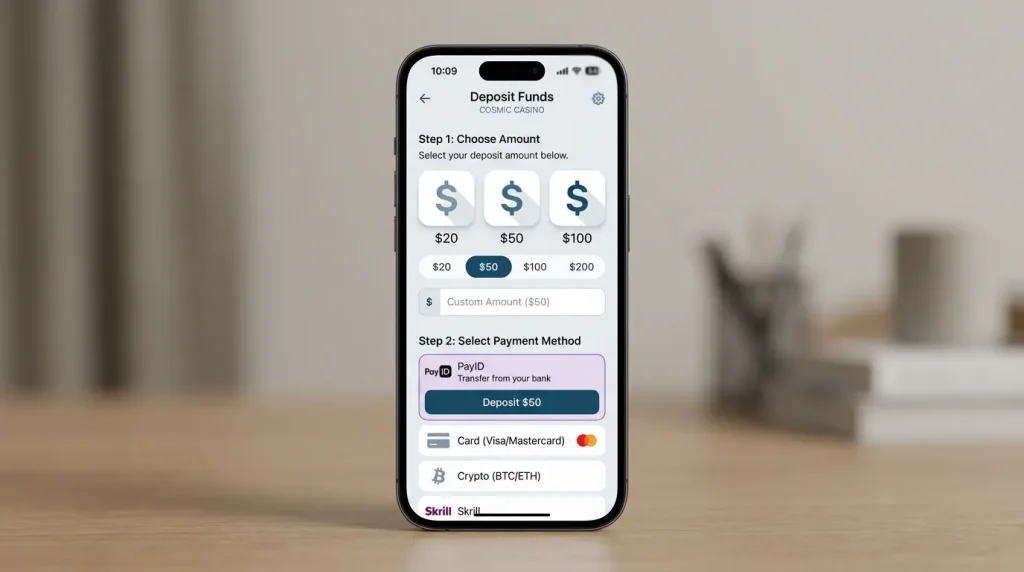
This piece covers why PayID suits mobile play so naturally, how depositing differs between a dedicated casino app and a mobile browser, and the specific safety habits that matter when your entire financial life runs through a device you carry everywhere. Mobile is the dominant way Australians gamble now – more than half of players, 56.1%, gambled mostly online in the last year – so getting the mobile workflow right is not a niche concern. It is the main event.
Why PayID is built for mobile play
To understand why PayID and mobile fit together so well, it helps to notice that PayID never had a “desktop era” the way cards did. It arrived in a world where banking already lived in an app, and it was designed around that reality from day one.
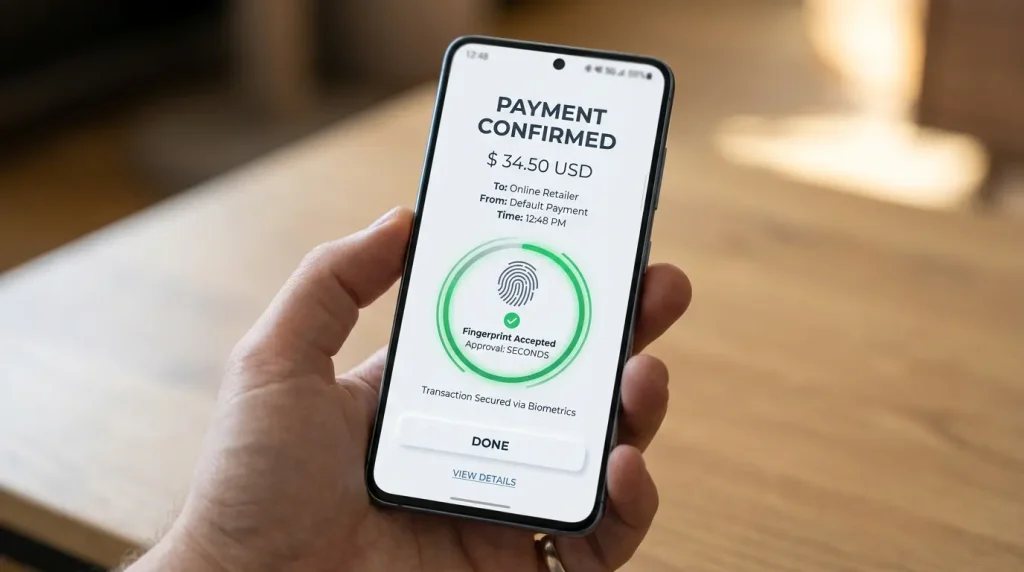
The practical result is that every step of a PayID payment is optimised for a phone. The alias is short enough to read and enter on a small screen. The authorisation uses the biometric sensors your phone already has, so you confirm a payment with a thumb rather than a typed code. And the confirmation arrives instantly in the same app, so you never leave the mobile environment to know the payment worked. Compare that with a card payment, which on a phone means fumbling for a physical card and typing sixteen digits plus an expiry and a security code on a touchscreen keyboard.

The scale of mobile-first PayID use reflects how well this fits how people actually behave. Around one in three Australians had already used PayID for personal transfers by 2023, the overwhelming majority of them on their phones, sending money to friends and splitting bills in a few taps. That muscle memory transfers directly to casino deposits: the gesture of paying a PayID is the same one you already use for everyday transfers, so there is nothing new to learn. For a casino player, that familiarity is the quiet advantage – the deposit is not a special, anxious financial operation, it is the same two-tap motion you have done a hundred times. The downside, which I will get to, is that frictionless and familiar can also mean too easy, but the convenience itself is real and well-earned.
Casino app versus mobile browser
One genuine choice you face on mobile is whether to play through a dedicated casino app or through the casino’s site in your phone’s browser. For PayID specifically, the difference is smaller than people expect, but it is worth understanding so you are not surprised by either.
In both cases, the actual PayID payment happens in your banking app, not in the casino’s app or browser – that part is constant. Whether you are in a dedicated casino app or a mobile browser, you reach the point of deposit, the operator shows you the PayID alias and reference, and you switch to your banking app to complete the transfer. The casino environment only displays the details and credits your balance afterward; it never handles the payment itself. So the security of the payment step does not really depend on which casino interface you used to get there.
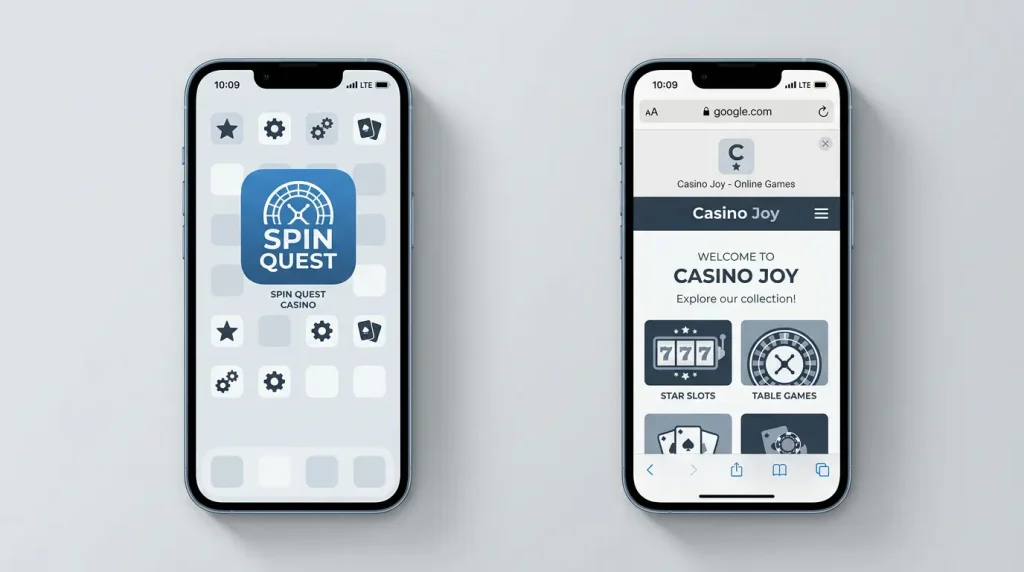
Where the two differ is in the surrounding experience. A dedicated app can make switching between it and your banking app smoother, sometimes remembering your reference or deep-linking the steps, and it may feel faster for repeat deposits. A mobile browser keeps everything in one familiar place and avoids installing anything, which some players prefer for an offshore operator they are still evaluating. There is also a caution worth flagging for apps: because online casinos targeting Australians are typically offshore, a “casino app” may not come from a mainstream app store and may need to be installed from the operator’s site, which carries the usual risks of installing software from outside official channels. For routine play, the browser is the lower-commitment option and the deposit experience is nearly identical either way. The deposit mechanics themselves, app or browser, follow the same flow covered in our guide to playing pokies with PayID.
Staying safe on a phone
Your phone is the most powerful and the most vulnerable point in your entire financial setup, because it holds your banking app, your biometrics, and your casino accounts all in one pocket-sized device. Mobile PayID safety is therefore mostly about protecting the phone itself and recognising that ease of use cuts both ways.
The fundamentals are non-negotiable. Lock your phone with a strong passcode and biometrics, so a lost or stolen device cannot be used to authorise payments. Keep your banking app’s own security enabled rather than disabling prompts for convenience. Never authorise a payment you did not initiate, and treat any unexpected request to confirm a transfer as a warning sign. And be especially careful on public wi-fi or when a message arrives out of nowhere asking you to act – the same biometric ease that makes a deposit effortless makes an impulsive or manipulated payment effortless too.

There is a harder truth underneath the practical tips, and I would be failing you to leave it out. The frictionlessness of mobile play is not neutral. Researchers Aino Suomi, Markus Hahn and Nicholas Biddle at the Australian National University found intensifying gambling harm even as overall participation declines, pointing to a critical need for responses targeting online play specifically. A phone that funds a casino in two taps, any hour of the day, removes every natural pause that once sat between an impulse and a deposit. So the most important mobile safety habit is not technical at all – it is to build back some of that friction deliberately: a deposit limit you set in advance, a rule about not playing late at night, a glance at your banking app’s transaction history to see what the convenience actually cost. The device makes spending easy; staying safe on it means making the limits just as easy – a deposit cap, a time-of-day rule, and an honest look at where the money actually went.
Frequently Asked Questions
Do I switch between two apps to deposit?
Yes, and it is quick. You start in the casino app or browser to get the PayID alias and reference, then switch to your banking app to authorise the payment, then switch back to see your balance credited. The actual payment always happens in your banking app, regardless of how you reached the casino.
Is biometric approval safer?
Biometric approval ties each payment to your fingerprint or face, which is harder for someone else to use than a typed code, so it adds genuine protection if your phone is well secured. The trade-off is that it also makes authorising a payment effortless, so pairing it with a strong device passcode and pre-set limits keeps the convenience from working against you.
Does a casino app handle PayID differently?
No. Whether you use a dedicated casino app or a mobile browser, the PayID payment itself happens in your banking app, so the security of the payment step is the same either way. The main difference is the surrounding experience, and offshore casino apps may need installing from outside official app stores, which carries its own caution.
Guides
Why PayID Casinos Ask You to Verify Your Identity
Why PayID casinos ask you to verify The first time a casino asks you to upload your ID, it can feel like an accusation - as if you have done…
The Minimum Deposit at a PayID Casino, Explained
The lowest you can deposit with PayID The smallest PayID deposit I…
PayID vs POLi for Casino Payments
PayID and POLi: two Aussie bank methods For a long time, if…
How PayID Deposit Bonuses Are Structured
How PayID deposit bonuses are structured A matched deposit bonus is the…
How to Set Up PayID Before You Play
Setting up PayID before you play Setting up a PayID is one…