
Which Australian Banks Support PayID
 Available in US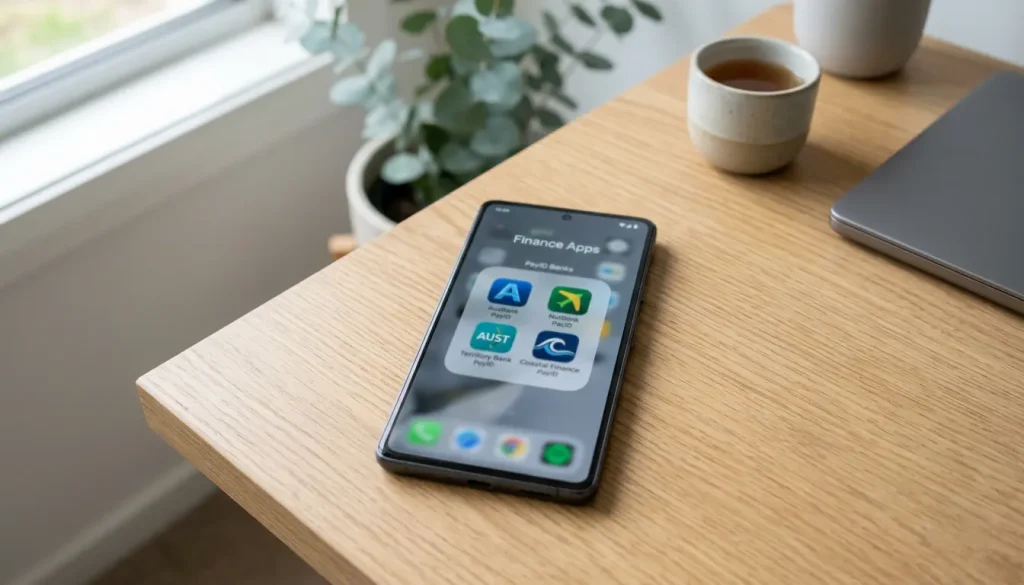
Which banks let you use PayID
The short answer to “does my bank support PayID” is almost certainly yes, and I can say that with confidence because the system was built into the shared infrastructure that nearly every Australian financial institution plugs into. PayID is not a feature any single bank invented – it is part of the New Payments Platform, and a bank either participates in that platform or it does not.
Table of Contents
What that means in practice is that PayID works at any bank or credit union that is a participating institution in the NPP, and that list now covers effectively all the major players and the overwhelming majority of smaller ones. By the end of 2022, more than 100 financial institutions and 12.7 million Australians had already registered a PayID – and adoption has only deepened since. If you bank with a name you would recognise, you almost certainly have access.
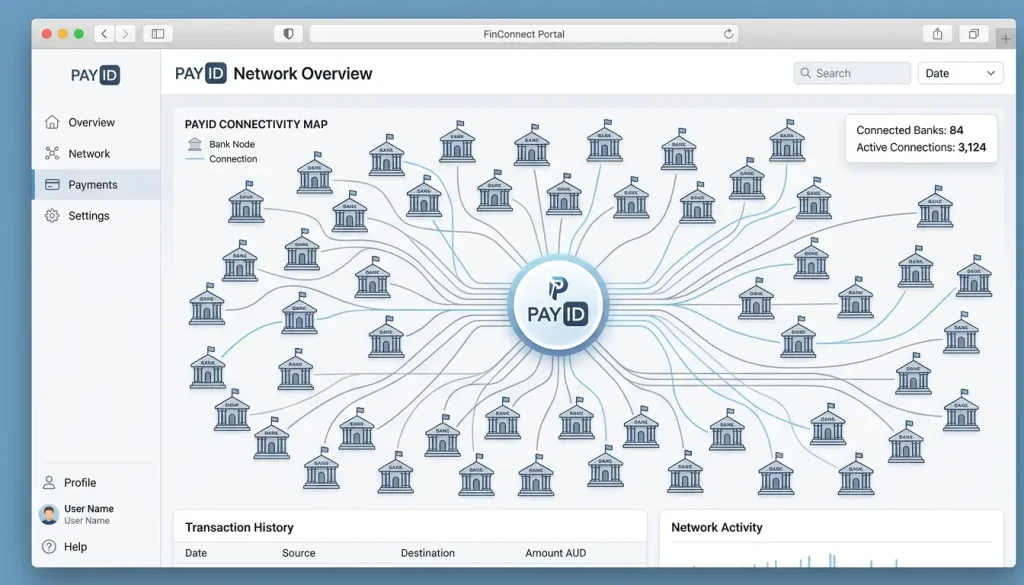
So this piece is less about whether your bank qualifies and more about confirming it, registering correctly, and knowing the handful of exceptions. I will cover the big four because most Australians bank there, then the long tail of mutuals, credit unions and newer digital banks, and finally how to check and register so that your PayID is ready before you ever need it at a cashier. The infrastructure is broad and the gaps are narrow – but it is worth knowing exactly where you sit.
The big four: CommBank, NAB, ANZ, Westpac
If you bank with one of the big four – Commonwealth Bank, NAB, ANZ or Westpac – PayID has been a standard feature in your app for years, and the experience is close to identical across all of them. I mention them first simply because the majority of Australian accounts sit with these institutions.
All four let you register a PayID against a mobile number or email address from within their main banking app, link it to a transaction account, and then send and receive real-time payments using that alias instead of a BSB and account number. The naming and menu placement differ slightly – one might bury it under “Settings,” another under “Payments” – but the underlying function is the same because it is the same shared rail beneath all of them. There is no big-four bank that lacks PayID; the only variation is cosmetic.
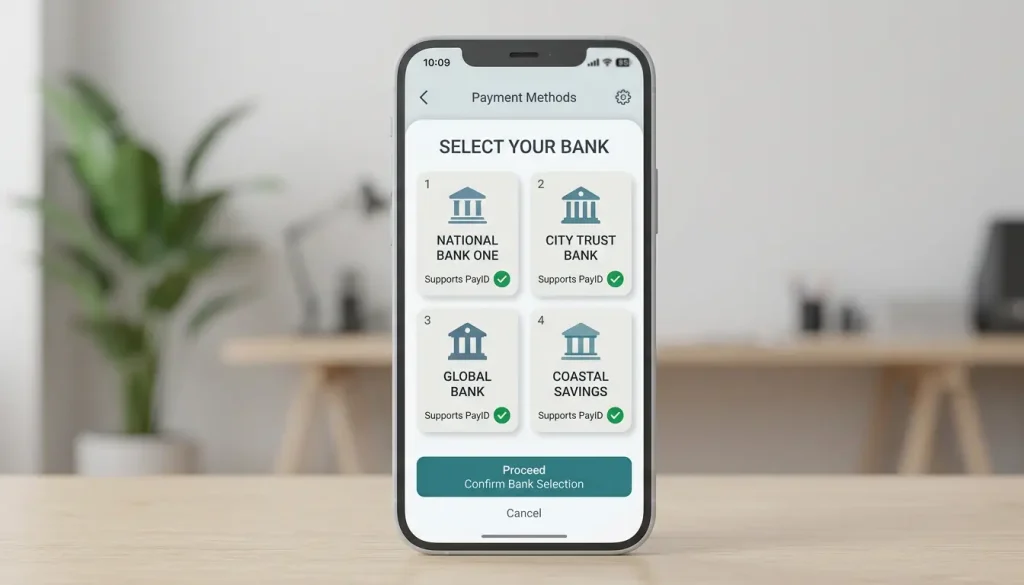
The reason this consistency exists is the scale of adoption the platform has reached. More than 25 million PayIDs were registered across Australia by April 2025, a number that simply cannot be hit without the largest banks fully participating. So whichever of the four you use, you can treat PayID as a given. The practical differences you will notice are interface ones – where the menu lives, what the confirmation screen looks like – not capability ones. If you have one of these accounts and have never set up a PayID, the only thing standing between you and using it is a couple of minutes in the app, not any limitation of the bank.
Smaller banks, mutuals and neobanks
The assumption that PayID is a “big bank thing” is the most common misconception I correct, and it is exactly backwards. Because PayID lives in shared infrastructure, smaller institutions get it on essentially equal footing – a member-owned credit union with a modest app often offers the identical PayID experience to a major bank.
Mutual banks, credit unions and customer-owned institutions are overwhelmingly NPP participants, either directly or through a sponsoring arrangement with a larger bank that provides their access to the platform. From your side as a customer, that distinction is invisible – you register and use a PayID the same way regardless of whether your institution connects directly or through a sponsor. The function is identical because the rail is identical.
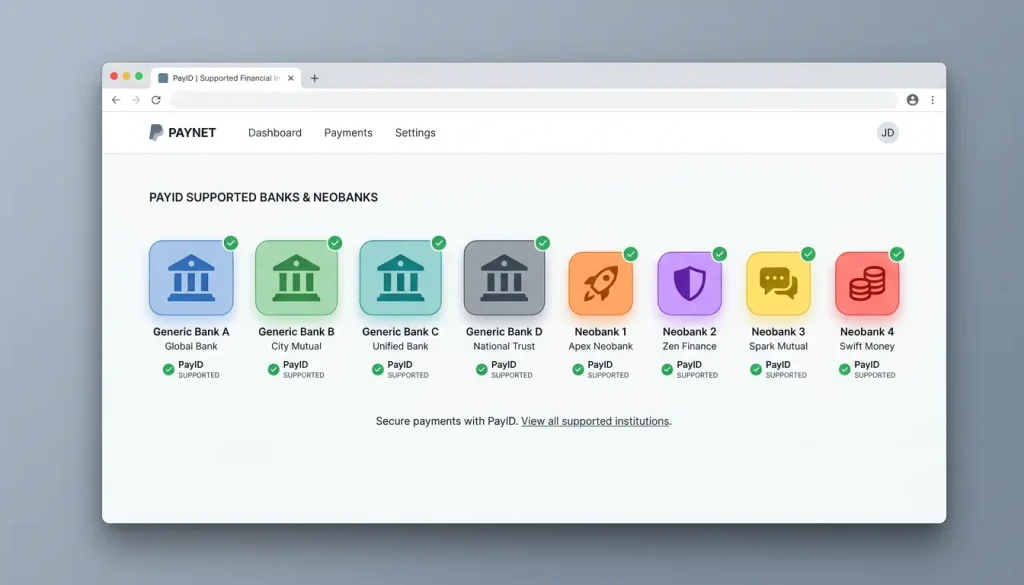
Digital-only banks, or neobanks, are an interesting case. Most of the established ones support PayID fully, since real-time payments are a core part of the modern banking experience they are built to deliver, and a neobank without instant transfers would struggle to compete. The exceptions tend to be very new entrants still building out their NPP connectivity, or niche products like some savings-only accounts that deliberately limit outbound payment features. The pattern to remember is that PayID availability tracks NPP participation, not bank size – a tiny credit union that participates has it, while a brand-new fintech still mid-build might not yet. When in doubt, the participation is the thing to check, not the logo on the card. If your everyday account is with a participating institution, you are in.
How to check and register with your bank
Confirming PayID support and registering takes about as long as making a cup of tea, and doing it before you need it spares you the worst-timed discovery – finding out at a cashier that you never set yours up. The process is the same shape at almost every bank, even if the labels differ.
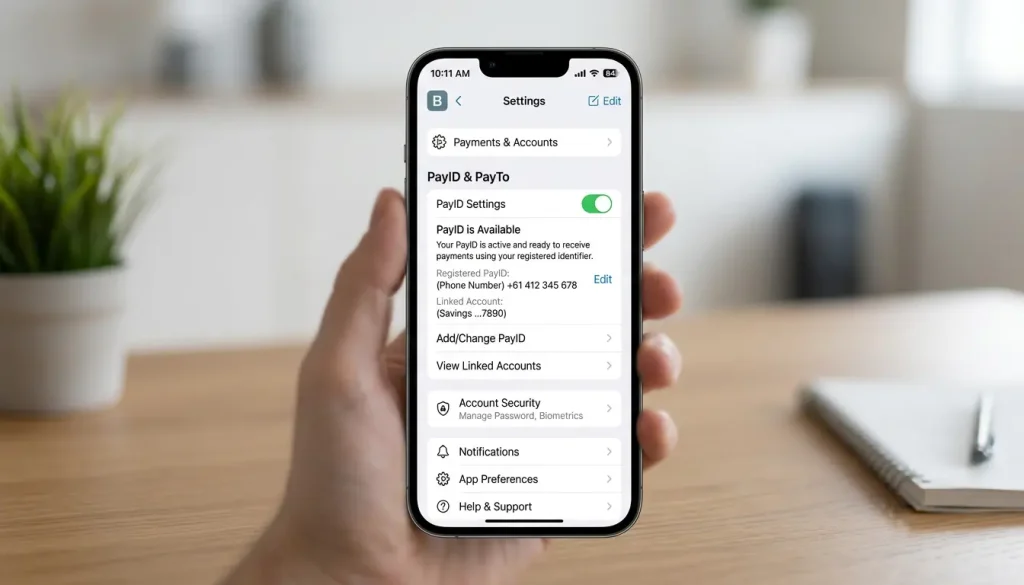
To check, open your banking app and look in the payments or settings area for a “PayID” option. If it is there and lets you register or shows an existing PayID, you are supported – that presence is your confirmation. If you genuinely cannot find it, a quick look at your bank’s help section or a message to their support confirms participation either way. The absence of the menu, rather than any error message, is what tells you a particular product does not offer it.
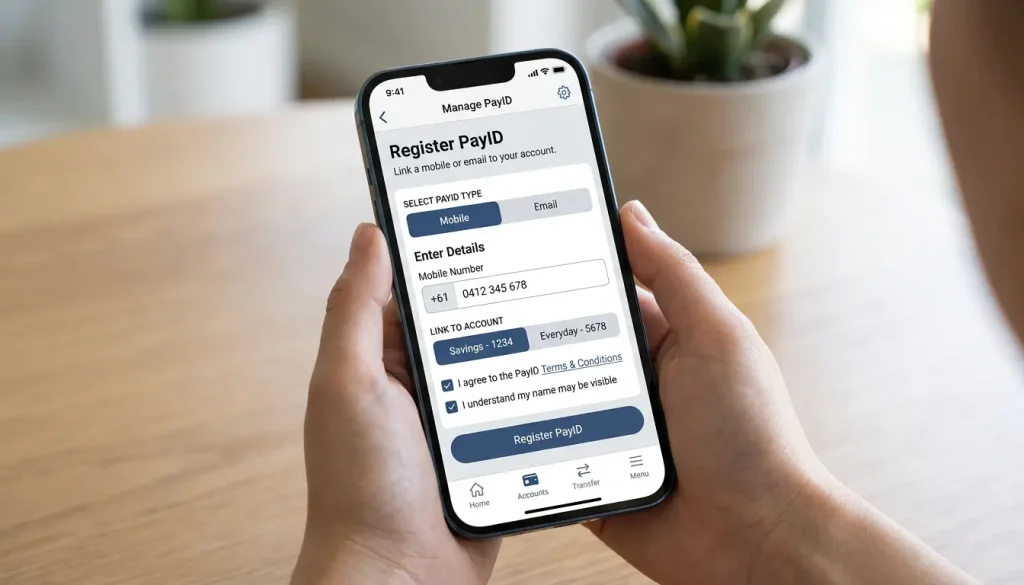
To register, choose the alias you want to use – most commonly your mobile number or email – and link it to the transaction account you intend to spend from. The app will verify ownership, usually by sending a code to that number or address, and once confirmed your PayID is live and reusable. You only do this once per alias, it is generally free, and from then on you can pay any PayID-enabled recipient using that single, memorable identifier. The mechanics of choosing and managing an alias in detail are covered in our guide to how to set up PayID. The whole point of getting it done early is that PayID then becomes the thing you reach for without thinking, rather than a setup task standing between you and a transaction.
Frequently Asked Questions
Does every Australian bank support PayID?
Effectively all banks and credit unions that participate in the New Payments Platform do, which covers the big four and the large majority of smaller institutions. PayID availability follows NPP participation rather than bank size, so the rare gaps are usually very new entrants or specialised account products rather than mainstream banks.
Can I use PayID with a neobank?
Most established neobanks support PayID fully, since real-time payments are central to the digital banking experience they offer. The occasional exception is a very new entrant still building out its platform connectivity, so checking the app's payments menu confirms it quickly.
What if my bank shows PayID as unavailable?
That usually means the specific account product, rather than the bank, lacks outbound payment features, or the institution connects to the platform in a limited way. Checking the bank's help section or contacting support clarifies whether another of your accounts can register a PayID instead.
Guides
The Credit Card and Crypto Ban for Gambling in Australia
The ban on credit cards and crypto for betting On 11 June 2024, a rule took effect in Australia that quietly reshaped how money flows into legal betting - and,…
Why Money Laundering Shapes Casino Rules
Why money laundering shapes casino rules Every time a casino asks where…
What Confirmation of Payee Does in Australia
What Confirmation of Payee does For years, sending money in Australia worked…
What BetStop Is and Who It Helps
What BetStop is and who it helps Sometimes the most useful tool…
NPP and Osko Explained: The Rails Behind PayID
The rails that make PayID instant Most people use PayID for years…